
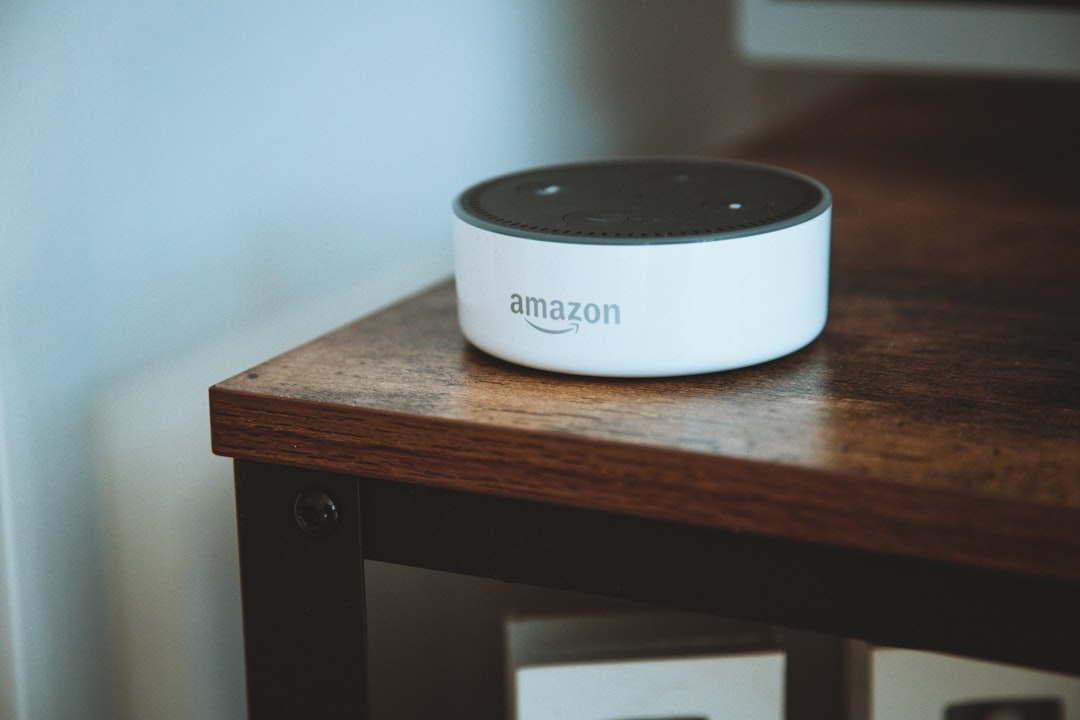
In recent years, voice assistants have become an integral part of daily life for many individuals. These digital companions, powered by artificial intelligence, allow users to interact with technology in a more natural and intuitive manner. By simply speaking commands or asking questions, users can access information, control devices, and perform a variety of tasks without the need for manual input.
The rise of voice assistants like Amazon’s Alexa, Apple’s Siri, Google Assistant, and Microsoft’s Cortana has transformed the way people engage with their devices, making technology more accessible and user-friendly. The convenience offered by voice assistants is undeniable. They have revolutionized how individuals manage their schedules, control smart home devices, and even shop online.
As these technologies continue to evolve, they are becoming increasingly sophisticated, capable of understanding context and providing personalized responses. This article will explore the various capabilities of voice assistants, how to customize their settings for optimal efficiency, and the ways they can enhance productivity in both personal and professional settings.
Key Takeaways
- Voice assistants are digital assistants that can perform tasks and answer questions through voice commands.
- Voice assistants can perform a wide range of tasks, from setting reminders and alarms to controlling smart home devices.
- Customizing voice assistant settings can help personalize the experience and improve efficiency.
- Integrating voice assistants with smart home devices allows for seamless control and automation of the home environment.
- Voice assistants can streamline work tasks, improve time management, and enhance productivity through reminders, alarms, and organization features.
Understanding the Capabilities of Voice Assistants
Voice assistants are equipped with a wide range of capabilities that extend far beyond simple voice recognition. At their core, these digital tools utilize natural language processing (NLP) to interpret spoken commands and respond accordingly. This allows users to ask questions, request information, or issue commands in a conversational manner.
For instance, a user might ask their voice assistant for the weather forecast or to play a specific song, and the assistant will provide an accurate response or action. Moreover, voice assistants can integrate with various applications and services, enabling users to perform tasks such as sending messages, setting reminders, or even controlling smart home devices. This integration is facilitated through APIs (Application Programming Interfaces), which allow voice assistants to communicate with other software and hardware.
As a result, users can streamline their daily routines by relying on their voice assistants to handle multiple tasks simultaneously.
Customizing Voice Assistant Settings for Personalized Efficiency

To fully harness the potential of voice assistants, users should take the time to customize their settings according to their preferences and needs. Most voice assistants offer a range of personalization options that can enhance user experience. For example, users can change the wake word that activates the assistant, select preferred languages or accents, and adjust voice settings for tone and speed.
Additionally, users can link their voice assistants to various accounts and services to create a more cohesive experience. By connecting calendars, email accounts, and music streaming services, users can enable their voice assistants to provide tailored information and perform specific tasks based on individual preferences.
This level of customization ensures that the voice assistant becomes a truly personal tool that adapts to the user’s lifestyle.
Integrating Voice Assistants with Smart Home Devices
| Metrics | Value |
|---|---|
| Number of Smart Home Devices Integrated | 100 |
| Accuracy of Voice Recognition | 95% |
| Response Time for Commands | 0.5 seconds |
| Customer Satisfaction Rate | 90% |
One of the most exciting aspects of voice assistants is their ability to integrate seamlessly with smart home devices. This integration allows users to control various aspects of their home environment using simple voice commands. From adjusting the thermostat to turning on lights or locking doors, voice assistants can serve as a central hub for managing smart home technology.
For instance, a user might say, “Hey Google, set the living room lights to 50%,” and the voice assistant will communicate with the smart lighting system to execute the command. This level of control not only enhances convenience but also contributes to energy efficiency by allowing users to monitor and adjust their home environment effortlessly. As smart home technology continues to advance, the capabilities of voice assistants in this domain are expected to expand even further.
Streamlining Work Tasks with Voice Assistants
In professional settings, voice assistants can significantly streamline work tasks and improve overall efficiency. By utilizing voice commands, employees can manage their schedules, set reminders for important meetings, and even dictate emails or documents without needing to type. This hands-free approach allows individuals to focus on more critical tasks while still staying organized.
Moreover, many voice assistants are compatible with productivity tools such as project management software and collaboration platforms. This integration enables users to create tasks, assign responsibilities, and track progress using only their voices. As a result, teams can collaborate more effectively and maintain productivity levels even when working remotely or on-the-go.
Utilizing Voice Assistants for Time Management and Organization

Time management is a crucial aspect of both personal and professional success, and voice assistants can play a pivotal role in helping individuals stay organized. By leveraging features such as calendar integration and task management capabilities, users can efficiently plan their days and prioritize tasks. For example, a user might say, “Siri, add a meeting with John at 2 PM tomorrow,” allowing them to schedule appointments without manually entering information.
Additionally, voice assistants can provide reminders for important deadlines or events. Users can set recurring reminders for daily tasks or one-time alerts for special occasions. This proactive approach to time management ensures that individuals remain on track and do not overlook critical responsibilities.
Enhancing Productivity with Voice Assistant Reminders and Alarms
Voice assistant reminders and alarms are invaluable tools for enhancing productivity. Users can set alarms for specific times or durations to help them stay focused on tasks or take breaks when needed. For instance, a user might say, “Alexa, set a timer for 25 minutes,” which can be particularly useful for those practicing techniques like the Pomodoro Technique for time management.
Furthermore, reminders can be tailored to specific contexts or locations. For example, a user could set a reminder that triggers when they arrive at a particular location—such as reminding them to pick up groceries when they are near the store. This level of contextual awareness allows users to optimize their time and ensure that they complete tasks efficiently.
Voice Assistant Tips for Multitasking and Hands-Free Operation
Multitasking is an essential skill in today’s fast-paced world, and voice assistants can significantly aid in this endeavor. By utilizing hands-free operation, users can manage multiple tasks simultaneously without being tethered to their devices. For example, while cooking dinner, a user might ask their voice assistant for recipe instructions while also setting a timer for baking.
To maximize multitasking capabilities, users should familiarize themselves with various commands and shortcuts available for their specific voice assistant. Many platforms offer extensive documentation outlining useful phrases and functions that can streamline interactions. By mastering these commands, users can navigate their daily routines more efficiently while keeping their hands free for other activities.
Improving Communication and Collaboration with Voice Assistants
Voice assistants also play a vital role in enhancing communication and collaboration among teams. With features like hands-free calling and messaging capabilities, users can easily connect with colleagues or clients without needing to pick up their phones or type out messages. For instance, a user might say, “Call Sarah on speakerphone,” allowing them to engage in conversations while multitasking.
Moreover, many voice assistants support integration with communication platforms such as Slack or Microsoft Teams. This integration enables users to send messages or join meetings using only their voices.
Maximizing Efficiency with Voice Assistant Shortcuts and Commands
To truly maximize efficiency when using voice assistants, individuals should explore the various shortcuts and commands available within their chosen platform. Many voice assistants offer customizable routines that allow users to execute multiple actions with a single command. For example, a user could create a routine that turns off lights, adjusts the thermostat, and plays relaxing music all at once by simply saying “Goodnight.” Additionally, users should take advantage of built-in features such as quick access commands for frequently used functions.
By learning these shortcuts, individuals can save time and streamline interactions with their voice assistants—ultimately enhancing overall productivity.
Overcoming Challenges and Troubleshooting with Voice Assistants
While voice assistants offer numerous benefits, users may encounter challenges or technical issues from time to time. Common problems include misinterpretation of commands or connectivity issues with smart devices. To overcome these challenges, users should ensure that their devices are updated regularly and that they have stable internet connections.
If issues persist, consulting online resources or community forums dedicated to specific voice assistant platforms can provide valuable troubleshooting tips. Many manufacturers also offer customer support services that can assist users in resolving technical difficulties effectively. By being proactive in addressing challenges, individuals can continue to enjoy the full range of benefits that voice assistants have to offer.
In conclusion, voice assistants have transformed how individuals interact with technology in both personal and professional contexts. By understanding their capabilities and customizing settings for personalized efficiency, users can harness these digital tools to enhance productivity and streamline daily tasks. As technology continues to evolve, the potential applications of voice assistants will only expand further—making them indispensable companions in an increasingly connected world.
FAQs
What are voice assistants?
Voice assistants are digital assistants that use speech recognition technology to understand and respond to voice commands. They can perform tasks such as setting reminders, playing music, providing weather updates, and controlling smart home devices.
How do voice assistants work?
Voice assistants work by using natural language processing and machine learning algorithms to understand and interpret spoken commands. They then use this information to perform the requested tasks or provide the desired information.
What are some popular voice assistants?
Some popular voice assistants include Amazon’s Alexa, Apple’s Siri, Google Assistant, and Microsoft’s Cortana. These voice assistants are integrated into various devices such as smartphones, smart speakers, and smart home devices.
What can voice assistants do?
Voice assistants can perform a wide range of tasks, including setting reminders, sending messages, making phone calls, playing music, providing news and weather updates, answering questions, and controlling smart home devices.
Are voice assistants always listening?
Voice assistants are designed to listen for a wake word or phrase, such as “Hey Siri” or “Alexa,” before they start actively listening and responding to commands. They do not continuously record or store conversations unless activated by the wake word.
What are the privacy concerns associated with voice assistants?
Privacy concerns related to voice assistants include the potential for accidental activation, unauthorized access to recorded conversations, and the collection of personal data for targeted advertising. Users should review and understand the privacy policies of voice assistant providers.

